
How to Load NAM & IRs to your Valeton GP-5
Description
???? Valeton GP5 Owners – This Changes EVERYTHING!
In this video, I show you step-by-step how to import NAM (Neural Amp Modeler) files and Impulse Responses (IRs) into your Valeton GP5, using free high-quality tones from Tone3000.com.
???? Get ready to turn your GP5 into a tone monster with amps and cabs you never thought possible. Whether you want crystal cleans, crunchy blues, or face-melting metal tones – this method unlocks them all.
✅ What you’ll learn in this video:
Where to find the best free NAM & IR files
How to install them easily into the GP5
My favorite tone finds from Tone3000.com
???? Drop your questions & share your favorite NAM/IR finds in the comments – I’ll check them out!
#ValetonGP5 #NAM #ImpulseResponse #Tone3000 #GuitarTone #GuitarGear #GuitarEffects #AmpModeling #GuitarPedals #GuitarRig #Valeton
#Load #NAM #IRs #Valeton #GP5
Originally posted by UCCLNFhPZnktcSUhTii6joag at https://www.youtube.com/watch?v=giIYscxH7bs

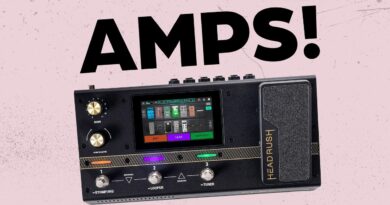
Check this video
https://www.youtube.com/watch?v=jgUM6A0AooI&t=54s What You’ll Learn:
How to connect the GP-5 and Chocolate Plus via MIDI
How to power both using a USB power bank
How to assign footswitches to control patches
Real-world demo with guitar tones
????Whether you're a busker, home player, or gigging guitarist looking for a compact setup, this is the future of guitar rigs.
Drop your questions or rig setups in the comments — I reply to everyone!
Don’t forget to like, subscribe, and hit the bell for more honest, no-BS gear tips and reviews
Where do they go on the gp-5 itself? Sure you pick an empty slot for the Nam file, now does that show up in the gp5 screen?
Where ia the link to download the ir or namn file please, thanks